Skip to main content
Apple Laptop SSL Certificate Instructions
- Click on this link: ContentKeeper Certificate to download the SSL certificate.
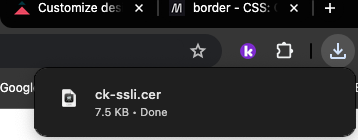
- Click on "Show Downloads" icon on the top right corner of your browser.
- Double click on the file named ck-ssli.cer
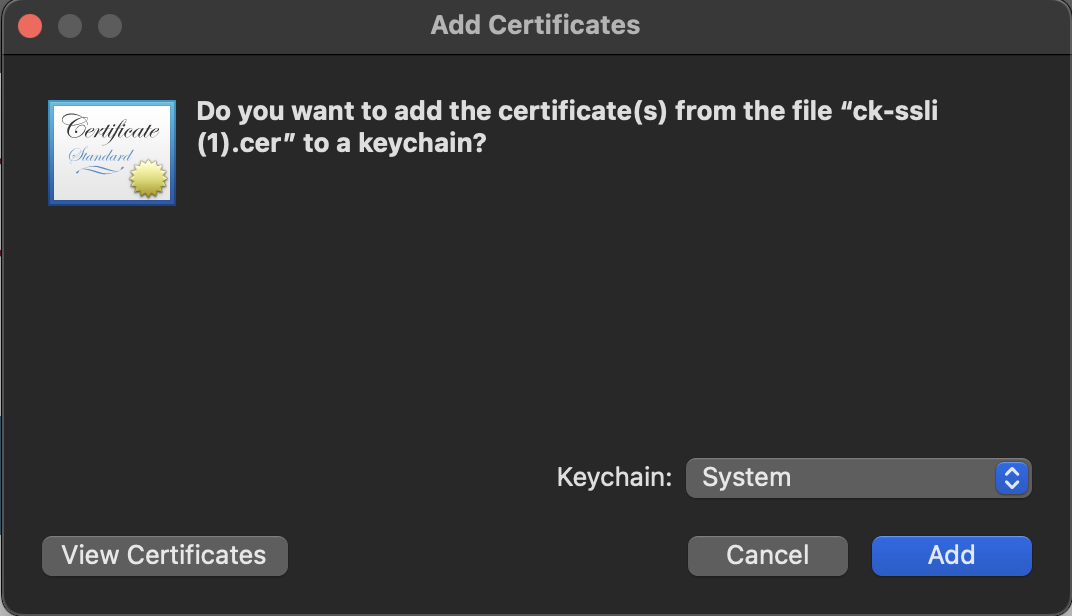
- Make sure that Keychain is set to System, then click Add, this will add the certificate to your keychain.
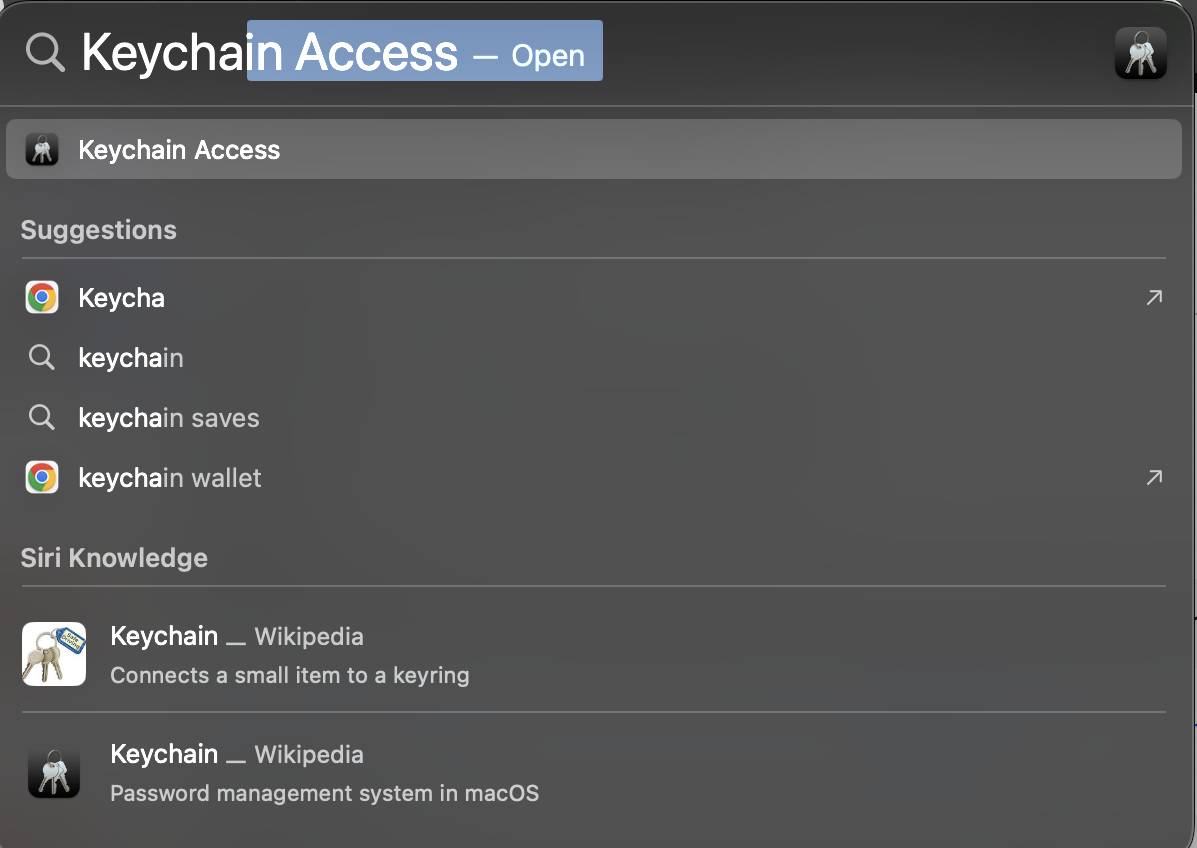
- Do a Spotlight Search (hit ⌘command + Space Bar) and search for "Keychain Access"
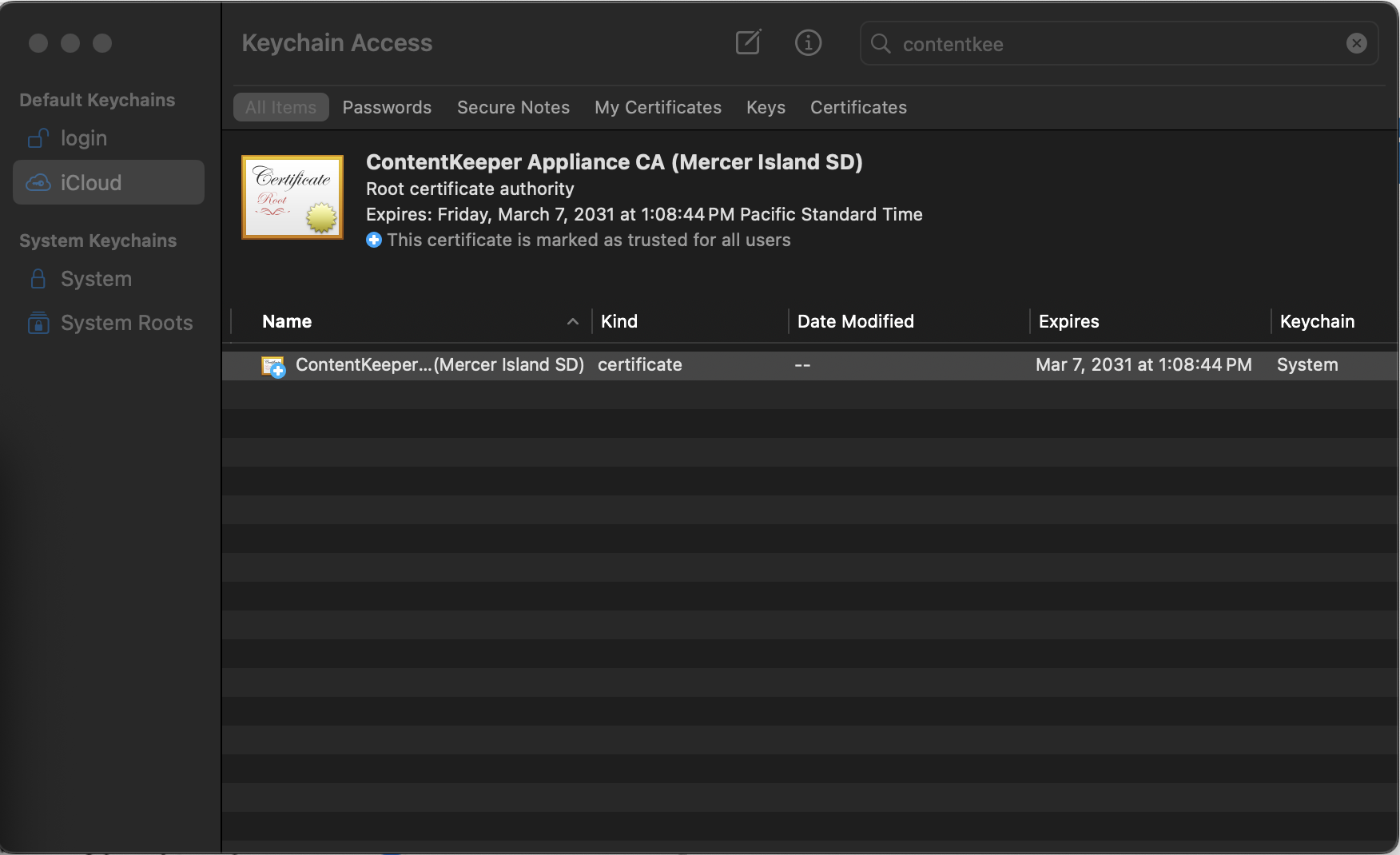
- Go to System keychains on the left and search for the ContentKeeper Appliance CA certificate
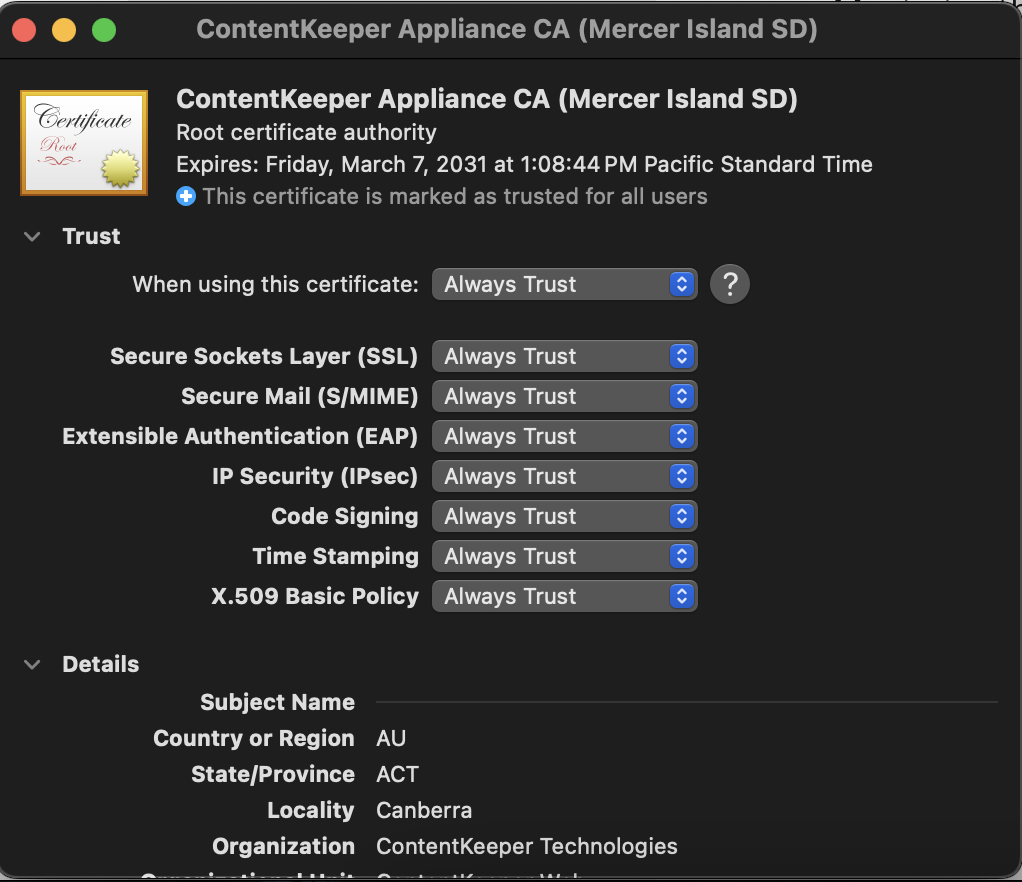
- Double Click the certificate
- Maximize the Trust section and for "When using this certificate:" select Always Trust