1. Navigate to https://misd.schoology.com/home
2. Click "GROUPS"
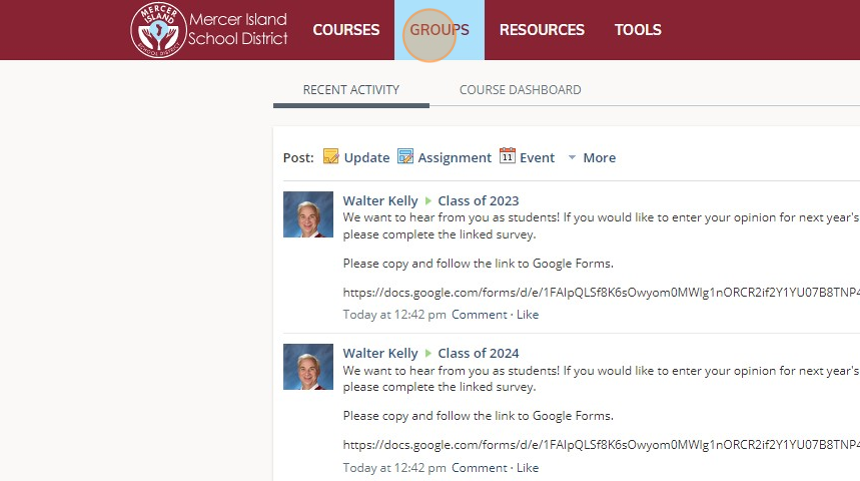
3. Click the group you are editing.

4. Click "Members"

5. Click "Add Members"

6. Make sure you are selected on the appropriate school for your search.
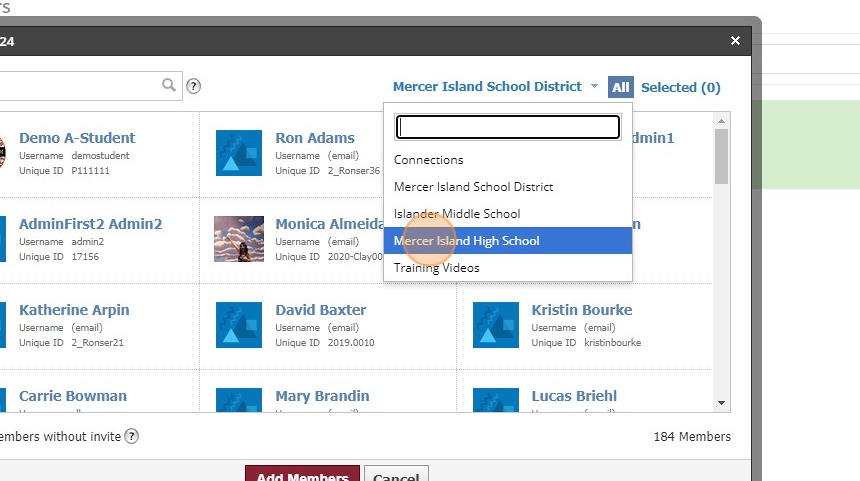
7. Click the "Search" field.
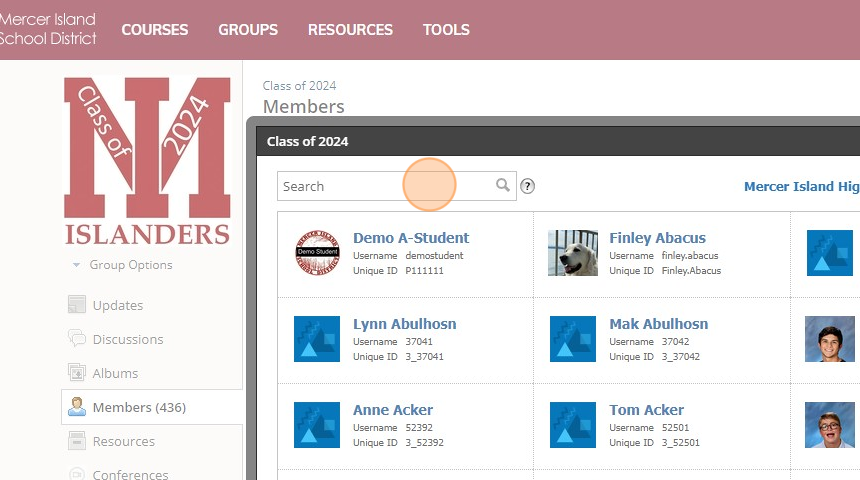
8. Enter in the first OR last name of the student.
9. Select the student.

10. Click this checkbox: "Add members without invite"
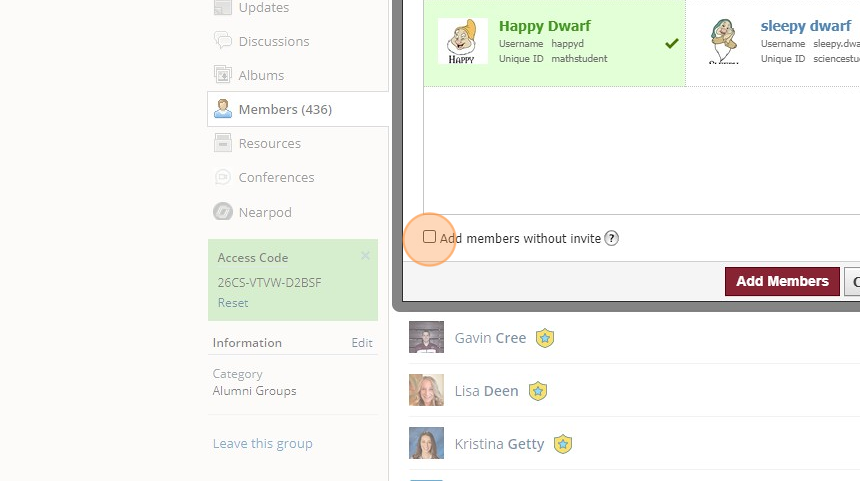
11. Click Add Members button.
